
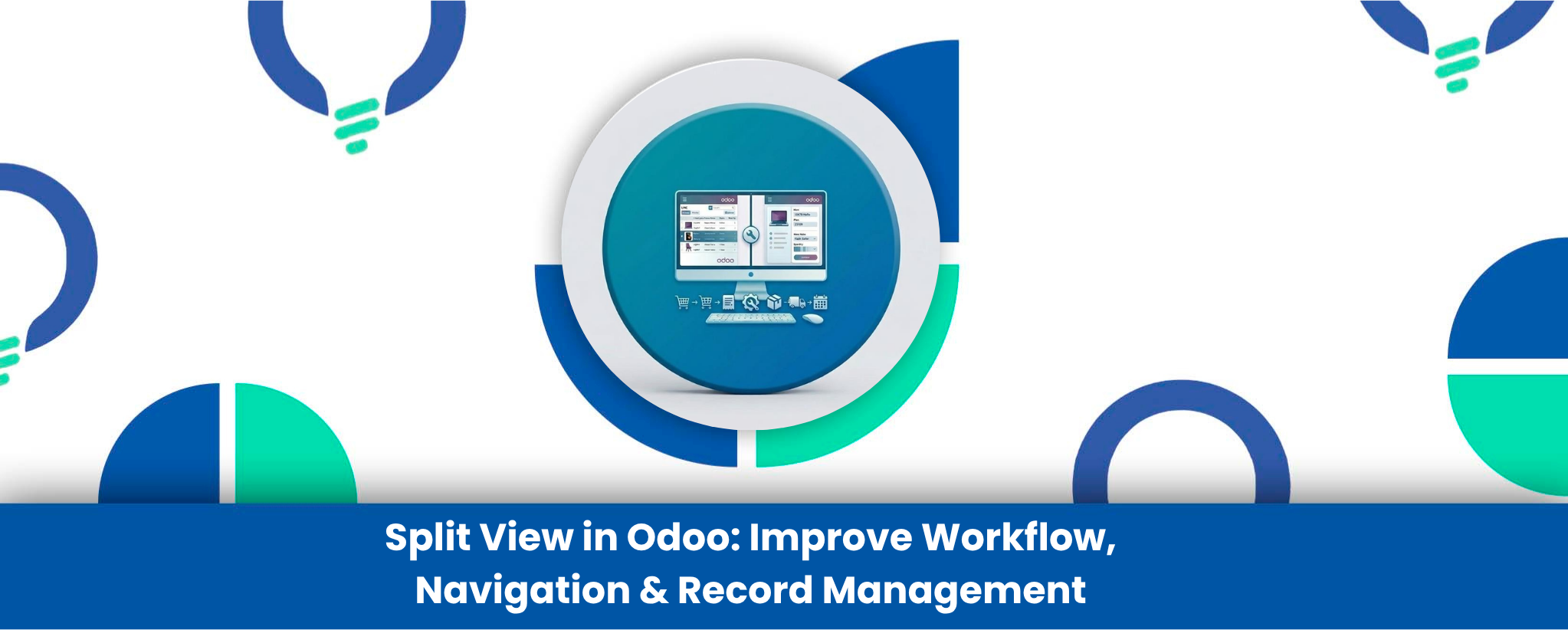
Working with large amounts of records in Odoo often involves repetitive navigation between list views and form views. Users frequently open a record, make changes, return to the list, and repeat the same process again and again. This constant back-and-forth navigation slows down productivity, especially for teams managing high-volume operations in CRM, Sales, Inventory, Accounting, or HR.
The Split View in Odoo module enhances the Odoo user experience by introducing a modern dual-panel interface where list and form views can be accessed simultaneously. Instead of switching screens repeatedly, users can review records from one side while editing details on the other, creating a much faster and more efficient workflow.
Designed to feel native inside Odoo, this UI enhancement improves navigation, multitasking, and real-time record management without disrupting existing workflows. Whether your team handles sales orders, leads, stock movements, invoices, or employee records, the module helps reduce clicks, improve visibility, and speed up daily operations.
Why Businesses Need Split View in Odoo
Modern business teams work with hundreds of records daily, and traditional navigation methods can create unnecessary delays. Opening each record individually not only consumes time but also breaks workflow continuity, making it harder for users to stay focused on tasks.
The Split View module solves this usability challenge by keeping both the record list and detailed form accessible at the same time. Users can instantly switch between records, review information faster, and make updates without losing their place in the workflow.
This improvement becomes especially valuable for:
- CRM teams managing leads and opportunities
- Inventory managers validating stock operations
- Accountants reviewing financial records
- HR teams updating employee data
- Administrative teams handling bulk record operations
Key Advantages of the Split View Interface
Side-by-Side Record Management
View list and form records together in a single screen layout for faster navigation and editing.
Faster Workflow Execution
Reduce repetitive clicks and unnecessary page reloads while managing records.
Real-Time Data Updates
Changes made in the form panel instantly reflect in the list view.
Flexible Layout Options
Switch between vertical and horizontal split orientations based on user preference.
Better Operational Visibility
Maintain context of surrounding records while editing a specific record.
Native Odoo User Experience
The module integrates smoothly with existing filters, breadcrumbs, and search options.
How the Split View Improves Odoo Productivity
Traditional Odoo navigation requires users to repeatedly move between pages to review or edit records. In high-volume environments, this repetitive workflow can significantly impact productivity and increase user fatigue.
The Split View module creates a more efficient multitasking environment by enabling users to interact with records dynamically. Teams can browse through multiple entries quickly while keeping detailed information visible at all times. This leads to:
- Faster record validation
- Improved data entry speed
- Better focus during repetitive tasks
- Reduced navigation time
- Improved operational efficiency
Because the module works directly within Odoo’s interface, users can adopt it quickly without additional training or complex configuration.
Industries & Teams That Benefit Most
Sales & CRM Teams
Quickly update leads, opportunities, quotations, and customer interactions without losing pipeline visibility.
Inventory & Warehouse Operations
Validate stock transfers, review incoming shipments, and manage inventory records more efficiently.
Accounting & Finance
Review invoices, journal entries, and financial records side-by-side with transaction lists.
HR & Administration
Manage employee records, approvals, and administrative data faster with fewer navigation interruptions.
Data Management Teams
Ideal for businesses handling bulk updates, audits, or large-scale record verification tasks.
How to Use This App
- Setup: Install the Split View module directly from the Odoo App Store.
- Configuration: No complex configuration required; users can access the split view toggle directly from supported list views.
- Workflow: Open a list view, click the Split View toggle button, select records from the left panel, and edit details instantly from the right panel.
Standard Odoo Navigation vs Split View Experience
|
Feature
|
Standard Odoo Interface
|
Split View Module
|
|---|---|---|
|
List & Form Access |
Separate screens |
Side-by-side layout |
|
Navigation Flow |
Repetitive back-and-forth |
Continuous workflow |
|
Record Editing Speed |
Moderate |
Faster editing experience |
|
Real-Time List Updates |
Requires reload/navigation |
Instant synchronization |
|
Multitasking Capability |
Limited |
Enhanced multitasking |
|
Workflow Visibility |
Partial |
Full contextual visibility |
|
User Productivity |
Standard |
Optimized for high-volume operations |
Built for Better Odoo User Experience
At Reliution, the focus is not only on adding features to Odoo but on improving how users interact with the system daily. The Split View module is designed to make Odoo workflows more intuitive, efficient, and user-friendly for teams working with large volumes of operational data.
By reducing navigation friction and improving multitasking capabilities, businesses can enhance team productivity without changing their core processes or retraining users extensively.
Conclusion
The Split View in Odoo module transforms the way users interact with records by creating a cleaner, faster, and more efficient working environment. Instead of wasting time switching between screens, users can manage records dynamically within a modern split-screen interface.
For businesses focused on operational efficiency, user productivity, and smoother workflows, this module provides a practical and highly effective enhancement to the standard Odoo experience.