As businesses grow, managing user access inside Odoo becomes increasingly challenging. Different departments often require access to specific menus, reports, fields, and actions, while sensitive information should remain restricted to authorized users only. However, standard Odoo access rights can sometimes feel too broad, leading to cluttered interfaces, accidental modifications, and unnecessary user confusion.
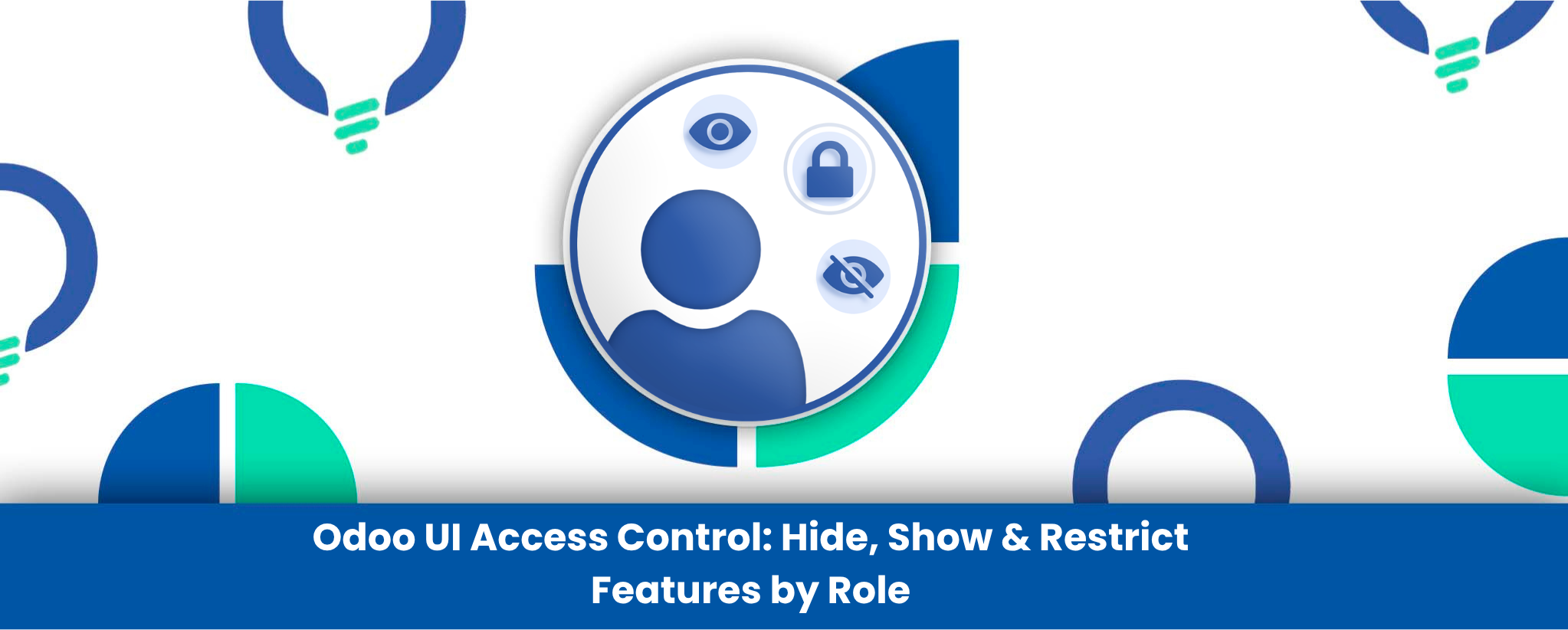
The Odoo UI Access Control module helps businesses create a cleaner, more secure, and role-focused Odoo experience by allowing administrators to hide, show, or restrict interface elements without any coding. From controlling menu visibility to applying field-level security and report restrictions, the module provides flexible access management tailored to different business roles.
Whether you manage a large enterprise, a multi-department organization, or teams with varying responsibilities, this module helps simplify workflows, improve usability, and strengthen operational governance across your Odoo ERP environment.
Why UI Access Control Matters in Odoo
In many organizations, employees often see menus, reports, or fields that are not relevant to their responsibilities. This can create several operational challenges:
- Increased interface complexity
- Higher chances of accidental data modification
- Difficulty managing sensitive information
- Confusing workflows for non-technical users
- Time wasted navigating unnecessary menus
- Challenges maintaining role-based visibility
The Odoo UI Access Control module solves these problems by allowing businesses to create a cleaner and more controlled user experience based on roles, departments, or individual users.
Key Features of Odoo UI Access Control
Menu & Sub-Menu Visibility Control
Hide complete modules or specific menus from selected users and groups.
Report Access Restrictions
Restrict access to PDF, XLSX, and printable reports for sensitive business data.
Field-Level Security
Make fields invisible or read-only to prevent unauthorized viewing or editing.
Role-Based Permission Management
Apply visibility settings at both user and group levels for scalable administration.
User-Specific Access Rules
Create custom visibility overrides for individual employees when needed.
Simplified Odoo Navigation
Reduce interface clutter and improve user productivity with cleaner dashboards.
How This Module Improves Odoo User Management
The module enhances Odoo’s standard permission system by adding a flexible layer of UI-level access control. Instead of only managing backend access rights, administrators can directly control what users actually see and interact with inside the interface.
For example, businesses can hide accounting menus from sales teams, make cost-related fields invisible for operational staff, or prevent users from printing confidential reports. Read-only restrictions also help protect important business data from accidental changes while still allowing visibility where necessary.
This approach improves usability while strengthening internal data security and governance policies across departments.
Industries & Businesses That Benefit Most
Large Enterprises
Manage complex departmental hierarchies with role-based interface visibility.
Finance & Accounting Teams
Protect sensitive financial reports and accounting data from unauthorized users.
Manufacturing & Operations
Limit operational users to only the workflows relevant to their tasks.
Multi-Branch Organizations
Control access based on branch, department, or business unit requirements.
Businesses with External Users
Restrict vendors, portal users, or contractors from accessing internal business information.
Fast-Growing Companies
Simplify onboarding and reduce confusion for new employees by showing only necessary features.
How to Use This App
- Setup: Install the Odoo UI Access Control module from the Odoo App Store.
- Configuration: Configure visibility rules from User and Group settings for menus, reports, and fields.
- Workflow: Define hide/show permissions, apply read-only rules, and manage UI restrictions based on user roles or departments.
Standard Odoo Access Rights vs UI Access Control Module
|
Feature
|
Standard Odoo Access Rights
|
UI Access Control Module
|
|---|---|---|
|
Menu Visibility Control |
Limited |
Advanced menu hiding |
|
Field-Level Restrictions |
Basic |
Invisible & read-only control |
|
Report Access Management |
Limited |
Granular report restriction |
|
User-Specific Overrides |
Difficult |
Easy configuration |
|
Group-Based UI Rules |
Partial |
Advanced role-based visibility |
|
Interface Simplification |
Limited |
Clean user-focused UI |
|
No-Code Customization |
Minimal |
Fully configurable without coding |
Built for Smarter Odoo Governance
Reliution develops practical Odoo solutions focused on improving operational efficiency, usability, and business control. The Odoo UI Access Control module helps organizations create a more secure and streamlined ERP environment without relying on heavy customization or technical complexity.
By improving visibility management and simplifying user interaction, businesses can maintain better governance while delivering a cleaner and more productive Odoo experience for every department.
Conclusion
The Odoo UI Access Control module provides businesses with a smarter and more flexible way to manage interface visibility, user permissions, and operational security inside Odoo ERP. By controlling what users can see, edit, or access, organizations can reduce clutter, improve productivity, and strengthen internal data protection.
For businesses managing multiple departments, sensitive information, or large user bases, this module delivers the control and flexibility needed to maintain a clean, secure, and efficient Odoo environment.