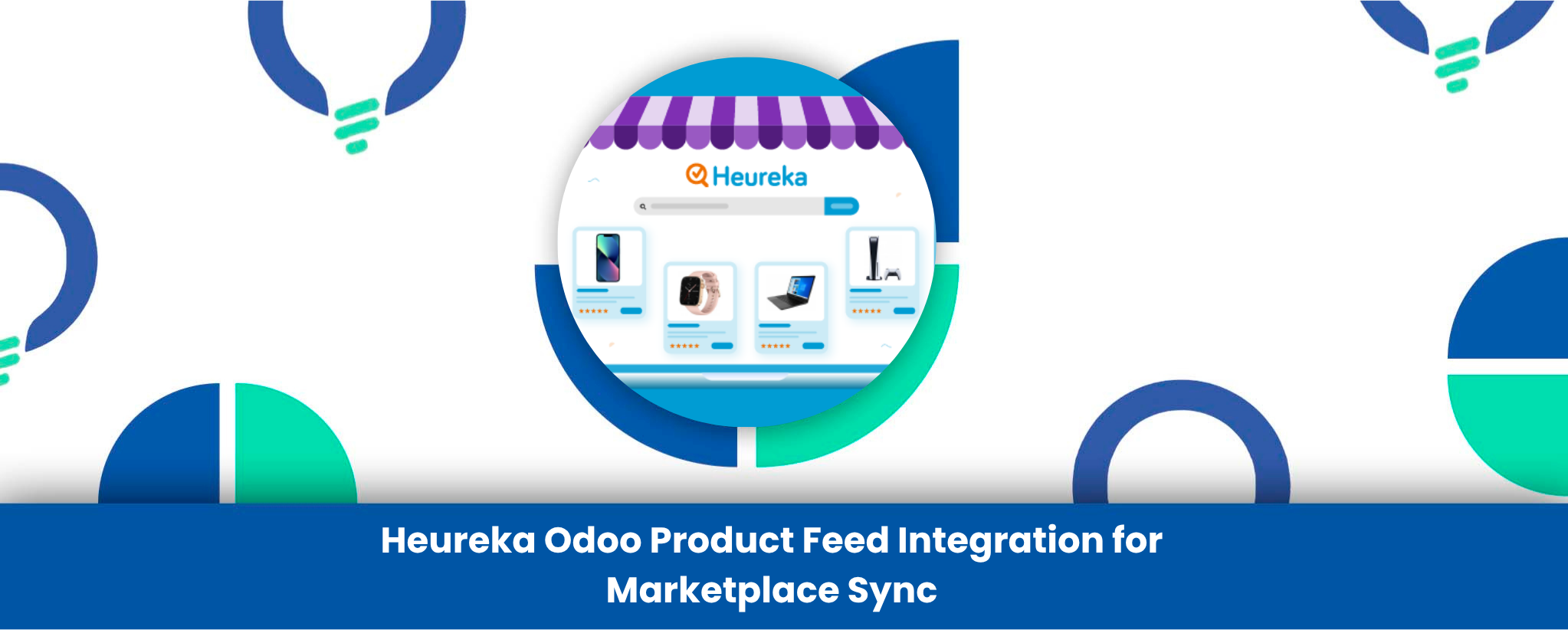
The Heureka Product Feed Automation & Data Sync app for Odoo app is the essential tool for any business looking to effortlessly connect their Odoo product catalog with the Heureka marketplace. This solution is specifically designed to simplify and automate the time-consuming process of managing product data sync.
Say goodbye to manual exports and complex data manipulation. This app allows you to effortlessly create and update product feeds in multiple compatible formats, including TXT, CSV and XML. By seamlessly connecting your Odoo product database with Heureka, the app ensures that critical product information—like names, product descriptions, categories, price list information, product inventory, and Image URLs—is always up-to-date and fully compatible with Heureka’s requirements.
By fully automating the data feed management and offering scheduled feed generation, this Heureka connector eliminates the risk of errors, enhances your product visibility, and saves your team countless hours. It’s the perfect solution for e-commerce sellers and digital marketing teams managing a large product catalogue on Odoo integration.
What Makes It Stand Out
- Multi-Format Feed Generation: Effortlessly create product feeds in XML, CSV, or TXT formats compatible with Heureka.
- Complete Data Sync: Automated synchronization of product names, description, product category, prices, product stock and images.
- Scheduled Automation: Use the Auto-Generate feature to schedule feed generation at regular intervals for hands-free updates.
- Flexible Product Selection: Select to export main products or also to export selected product variant combinations.
- Direct Server Upload: Configure FTP/SFTP settings for automatic upload to server, streamlining the delivery of your data feed.
- Customizable Field Mapping: Create or use a Field Mapping record to make sure that Odoo attributes fit in Heureka data structure perfectly.
- Error Monitoring: Built-in Log history and Log tracking under the Error History tab to easily identify and resolve data issues.
Detailed Features
1. Advanced Product Data Mapping
The app provides robust product mapping capabilities, allowing you to control exactly which product information is included in your feed. You can select or create a Field Mapping record to link your Odoo attributes, such as descriptions and custom fields, to the required Heureka fields. This precision ensures your product data is always structured correctly for the marketplace.
2. Fully Automated Synchronization
Set it and forget it! The feed automation feature enables you to define a schedule for feed creation. Once configured, the system will auto-generate the updated file at your specified times, ensuring your online store listings always reflect the current product stock and price list from Odoo. The option for direct upload to the server (via FTP/SFTP) completes the hands-free feed export loop.
3. Support for Complex Product Catalogs
Whether you manage simple products or items with multiple attributes, the app provides flexibility. You can select the specific product type—either the main product template or individual product variant combinations—to ensure your feed generation matches the specific items you sell on Heureka. This is crucial for accurate stock maintenance and pricing.
4. Monitoring and Traceability
Under the Error History tab, the app provides essential Log history and log tracking. This transparency allows your team to monitor the status of every generated feed, quickly diagnose and resolve any issues, and ensure a high-quality data feed management process.
Industry-Specific Use Cases
This marketplace integration tool is a game-changer for any business using Odoo to sell through Heureka:
- E-commerce Retailers: Instantly update thousands of products. Ensure that temporary sales of your Odoo price list are immediately updated on Heureka which gives the correct price to customers and eliminates possible stockouts of the products because of maintaining the correct product stock.
- Wholesalers & Distributors: Efficiently manage complex catalogs with a high volume of product variants. The ability to use XML feeds for robust data transfer is perfect for managing large B2B inventories and specifications.
- Digital Marketing Teams: Focus on strategy, not manual data entry. Use the scheduled feed automation to ensure your Heureka listings will be optimized to be easily searchable, and will perform perfectly without daily maintenance, improving product exposure and profits on ad spend.
Conclusion
The Heureka Odoo Product Feed Integration by Reliution delivers the automation, accuracy, and efficiency modern eCommerce businesses demand. By synchronizing product data, pricing, and inventory directly between Odoo and Heureka, it eliminates manual processes and ensures your listings are always current and compliant with marketplace standards.
Whether you’re managing thousands of SKUs or handling complex product variants, this module provides full control over feed automation, format selection, and data mapping—empowering your team to focus on growth rather than routine maintenance.
With Reliution’s Heureka Odoo connector, your business gains a seamless bridge between Odoo ERP and the Heureka marketplace, enabling the enhancement of visibility, reduction of mistakes, and enhanced marketplace functioning with each automated update.