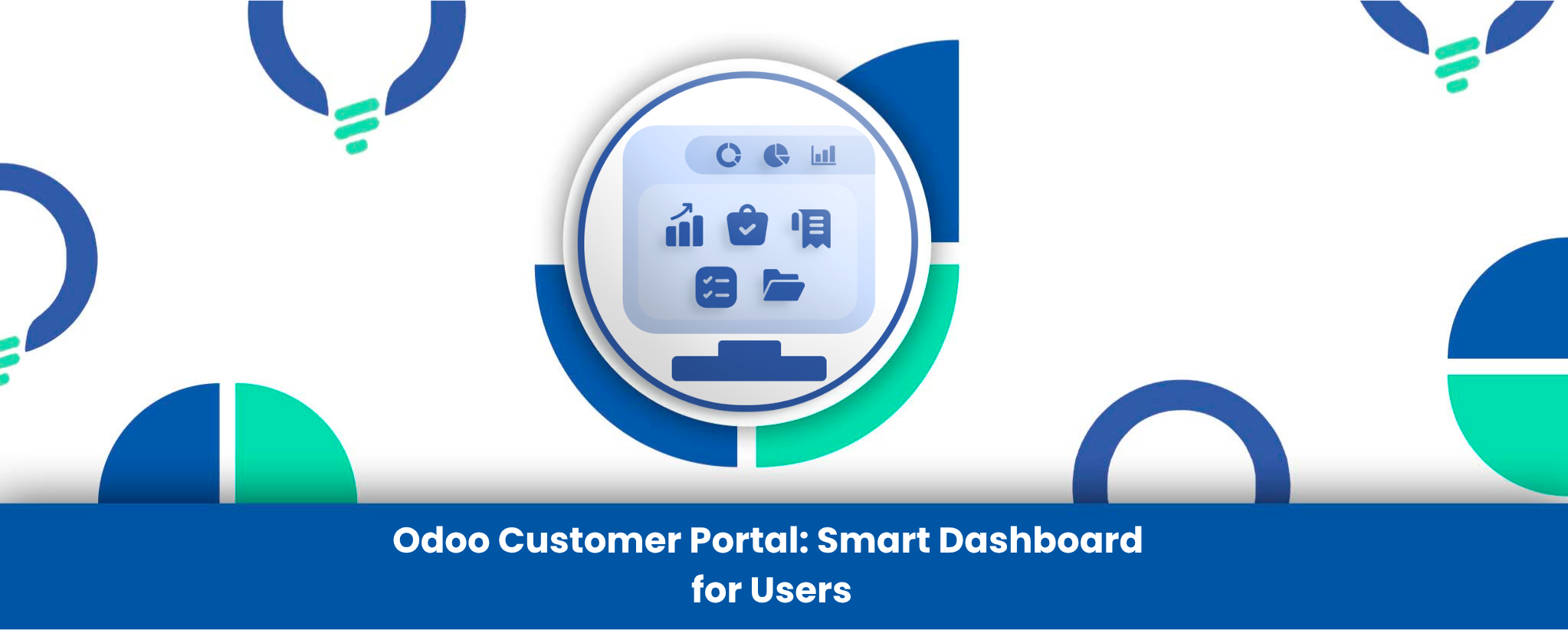
Transform your customer interaction and elevate your service level with the Odoo Customer & Portal User Dashboard. In a standard Odoo setup, customers often have to go through several steps in their portal to find their orders, track invoices, or check project statuses. This fragmented experience can lead to confusion and cause your support team to work more. That issue is addressed by this app, which provides the simplistic portal with one powerful user dashboard. It also improves the my account section, making it a centralized point with which Odoo customers can see everything in a glance.
This module gives your portal users a comprehensive overview of their entire history, including sales order details, purchase history, pending invoice data, as well as live project task updates. By providing a transparent, easy-to-navigate customer service dashboard, you not only improve satisfaction but also empower clients to self-serve and manage account details independently. It’s the ultimate tool that will enable you to create a dashboard with ease, control, and professional user experience, right inside of your Odoo environment.
Customer Portal Dashboard Features
- Fully Configurable Dashboard
The dashboard can be easily configured to show or hide features such as sales analysis, invoice history, and project tasks allowing admins to create a customized view of the portal and provide complete control through a centralized administration dashboard. - Graphical Data Analysis
Customers receive visual feedback on their activity in the form of charts sales, purchases, invoices, bills, and intuitive summary cards and doughnut charts to get ready answers. - Centralized Document Access
Sales orders, quotations, purchase orders, invoices and other key information are brought together in a central location where they can be easily accessed. - Recent Activity Tables
Grouped tables with the latest records (up to 100) of quotes, sales orders, purchase orders, invoices, etc., assist the user to be up to date and minimize support inquiries. - Streamlined User Experience
The dashboard will enable customers to operate their account, get to know metrics without looking at metrics and discover information on their own, and save time, enhance satisfaction. - Easy Portal Access Control
Odoo has an easy portal access control where admins can grant dashboard access to any contact with only a few clicks on the Odoo backend, making user management easier.
Industry-Specific Use Cases
- B2B Wholesale & Manufacturing
Enables customers to manage their order history, see price lists, check pending invoices and to easily make repeat orders. - Service & Consulting Firms
Provide customers with a portal in which they can track the progress of the project, see the tasks in progress, and access billing without calling the account manager. - Real Estate & Property Management
Provide clients or tenants a dashboard to see lease documents, follow-up on maintenance requests (tasks) and see the payment history (invoices). - Subscription-Based Businesses
This provides members with a custom area to manage their account, see their subscription status and past billing history.
Conclusion
The Odoo Customer & Portal User Dashboard is designed to transform how businesses and customers interact. By consolidating sales orders, purchase history, invoices, bills, and project tasks into a single, intuitive dashboard, it allows customers to self-serve and access all important information at a glance. Admins benefit from a fully configurable backend that gives complete control over what users see, making account management and workflow far more efficient.
Developed and supported by Reliution, this app ensures a professional, user-friendly experience that adapts to different industries—from B2B wholesale and consulting firms to real estate and subscription-based businesses. With graphical data analysis, centralized document access, and streamlined navigation, your customers can easily track orders, monitor projects, and manage invoices, while your support team spends less time on routine inquiries.
Investing in this dashboard not only boosts transparency and customer satisfaction but also optimizes your business operations. Let Reliution help you unlock the full potential of your Odoo environment, providing a seamless, efficient, and modern customer portal experience.